Understanding Base64 Encoding: What It Is and How It Works
Learn something new today
What Is Base64 Encoding?
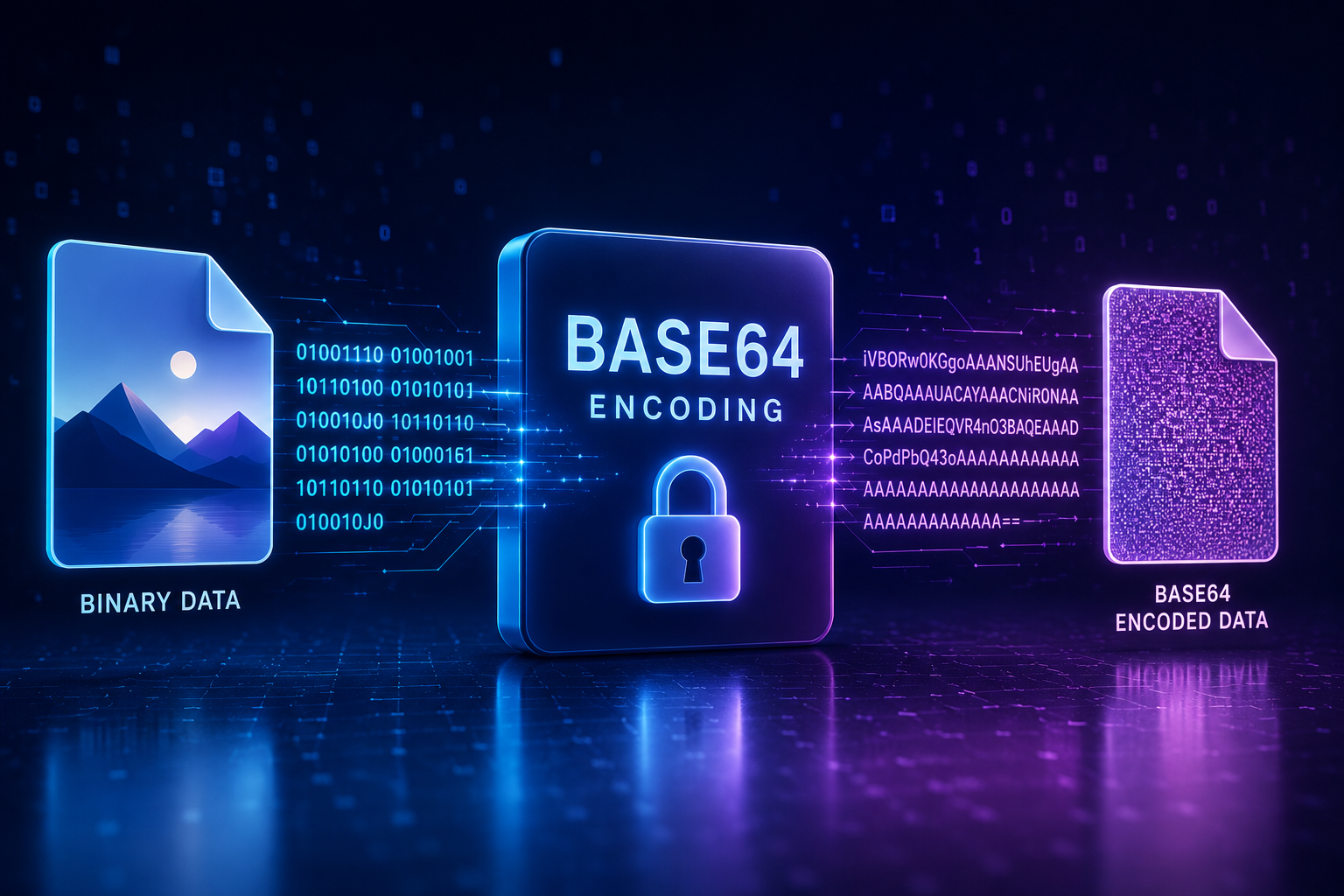
Base64 is a method of encoding binary data into a text format using only 64 printable ASCII characters (A-Z, a-z, 0-9, +, /). It is defined in IETF RFC 4648 and is widely used for transmitting binary data over media that are designed to handle text. Common applications include embedding images in HTML or CSS, sending binary attachments in email (MIME), and encoding binary data in JSON or XML payloads.
The name "Base64" comes from the fact that it uses 64 possible characters to represent data. Each Base64 character represents 6 bits of information (since 2^6 = 64). This means Base64 encoding increases data size by approximately 33% compared to the original binary representation, because it takes 4 characters to encode every 3 bytes of original data.
How Base64 Encoding Works
Base64 encoding follows a straightforward process:
- Divide the binary data into groups of 3 bytes (24 bits).
- Split each 24-bit group into four 6-bit chunks.
- Convert each 6-bit chunk to its corresponding Base64 character using a lookup table.
- If the input data length is not a multiple of 3, add padding characters ("=") to make the output length a multiple of 4.
For example, the text "Man" (3 bytes) encodes to "TWFu" in Base64. The text "M" (1 byte) encodes to "TQ==" with padding.
When to Use Base64 Encoding
- Email attachments: The MIME standard uses Base64 to encode binary attachments in email messages, which are fundamentally text-based protocols.
- Embedding images in web pages: Instead of making a separate HTTP request for a small image, you can embed it directly in your HTML or CSS as a Base64 data URI. This reduces HTTP requests but increases page size.
- API payloads: JSON APIs often use Base64 to transmit binary data like files or images alongside structured text data.
- Storing binary data in text-based databases: Some databases and storage systems handle text more reliably than binary data. Base64 encoding ensures the data remains intact.
Using the Base64 Encoder and Decoder
Our Base64 encoder and Base64 decoder make it easy to convert between binary and Base64 representations. Simply paste your input, click the appropriate button, and get the result instantly. The tools support any type of input: text, binary files, or image data.
When decoding Base64, the tool automatically detects the content type and displays the result appropriately. If the decoded output is an image, it displays the image. If it is text, it shows the text content.
Common Questions About Base64
No. Base64 is an encoding scheme, not encryption. Anyone can decode Base64 data without any key. It is used for representing binary data in text format, not for security. Never use Base64 to protect sensitive information.
Yes, by approximately 33%. The exact overhead depends on the amount of padding required. For a file of any size, the Base64 version will be about 4/3 the size of the original. This is why Base64 is not ideal for large files — the storage and transmission overhead is significant.
Related Tools
More Articles

DNS Record Types Explained
Learn every DNS record type including A, AAAA, CNAME, MX, TXT, NS, SOA, PTR, SRV...

http-status-codes-reference
Free online http-status-codes-reference. Fast, accurate, and easy to use.

online-privacy-guide
Free online online-privacy-guide. Fast, accurate, and easy to use.
