PNG vs JPG: Which Image Format Should You Use?
Learn something new today
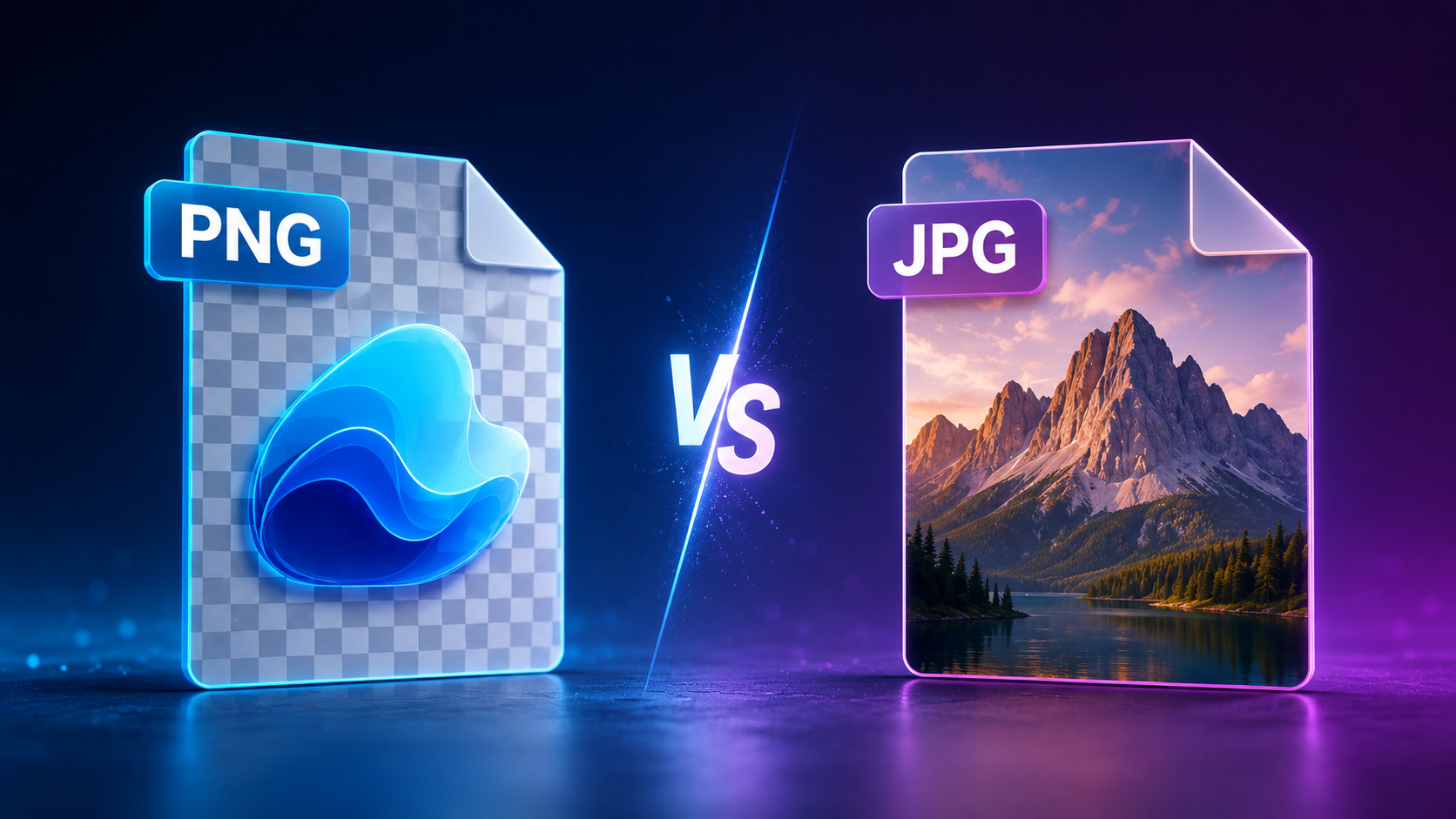
PNG vs JPG: Understanding the Difference
Image formats can be confusing, especially when you need to choose the right one for a specific purpose. PNG and JPG are the two most widely used image formats on the web, but they serve different purposes. Choosing the wrong format can result in unnecessarily large files, poor image quality, or missing features like transparency.
This guide explains the technical and practical differences between PNG and JPG, when to use each, and how to convert between them.
What Is JPG?
JPG (or JPEG, named after the Joint Photographic Experts Group that created the standard) is a lossy image format designed for photographs and complex images. Lossy compression means that some image data is discarded to reduce file size. The amount of data discarded is controlled by a quality setting, typically ranging from 0 (smallest file, lowest quality) to 100 (largest file, highest quality).
JPG excels at compressing photographs with smooth color transitions. A high-quality JPG can look nearly identical to the original while being 50-80% smaller than an uncompressed image. This makes it the standard format for digital photography and web images.
What Is PNG?
PNG (Portable Network Graphics) is a lossless image format that was created as a patent-free alternative to GIF. Lossless compression means no image data is ever discarded — the decompressed image is identical to the original. PNG supports three main types: grayscale, truecolor (RGB), and indexed color (like GIF but with more colors).
PNG's key advantage over JPG is its support for transparency (alpha channel). This makes it essential for logos, icons, and any image that needs to be placed over different backgrounds. PNG also handles images with sharp edges, text, and flat color areas better than JPG, which can introduce visible artifacts around sharp transitions.
Key Differences: PNG vs JPG
| Feature | PNG | JPG |
|---|---|---|
| Compression | Lossless | Lossy |
| Transparency | Yes (alpha channel) | No |
| Color Depth | Up to 48-bit | 24-bit |
| File Size | Larger for photos | Smaller for photos |
| Best For | Graphics, text, logos, screenshots | Photographs, complex images |
| Web Support | Universal | Universal |
When to Use PNG
- Images requiring transparency: Logos, icons, and watermarks that need to sit on different colored backgrounds
- Screenshots and screen captures: These contain sharp text and UI elements that JPG compression would blur
- Images with text overlays: Text needs sharp edges that JPG artifacts would degrade
- Graphics with flat color areas: Diagrams, charts, and illustrations with large areas of uniform color
- Images that will be edited repeatedly: Each time you save a JPG, it loses more quality. PNG preserves quality through multiple edit cycles
When to Use JPG
- Photographs: Photos with smooth color transitions and gradients compress extremely well with JPG
- Web images where file size matters: Product photos, hero images, and backgrounds benefit from JPG's smaller file sizes
- Email attachments: Smaller files send faster and use less storage space
- Images where some quality loss is acceptable: For social media, thumbnails, and preview images, high-quality JPG settings are nearly indistinguishable from the original
How to Convert Between PNG and JPG
Converting between PNG and JPG is straightforward with the right tool. Our PNG to JPG converter and JPG to PNG converter handle the conversion instantly in your browser. When converting from PNG to JPG, remember that transparency will be replaced with a solid background color. When converting from JPG to PNG, the file size will increase, but you gain the ability to add transparency and eliminate compression artifacts.
For best results, start with the highest quality source image available. Converting a low-quality JPG to PNG will not restore lost quality — the compression artifacts remain. Conversely, converting a PNG to JPG at quality setting 90-95 will produce an excellent balance between quality and file size for most purposes.
Related Tools
More Articles
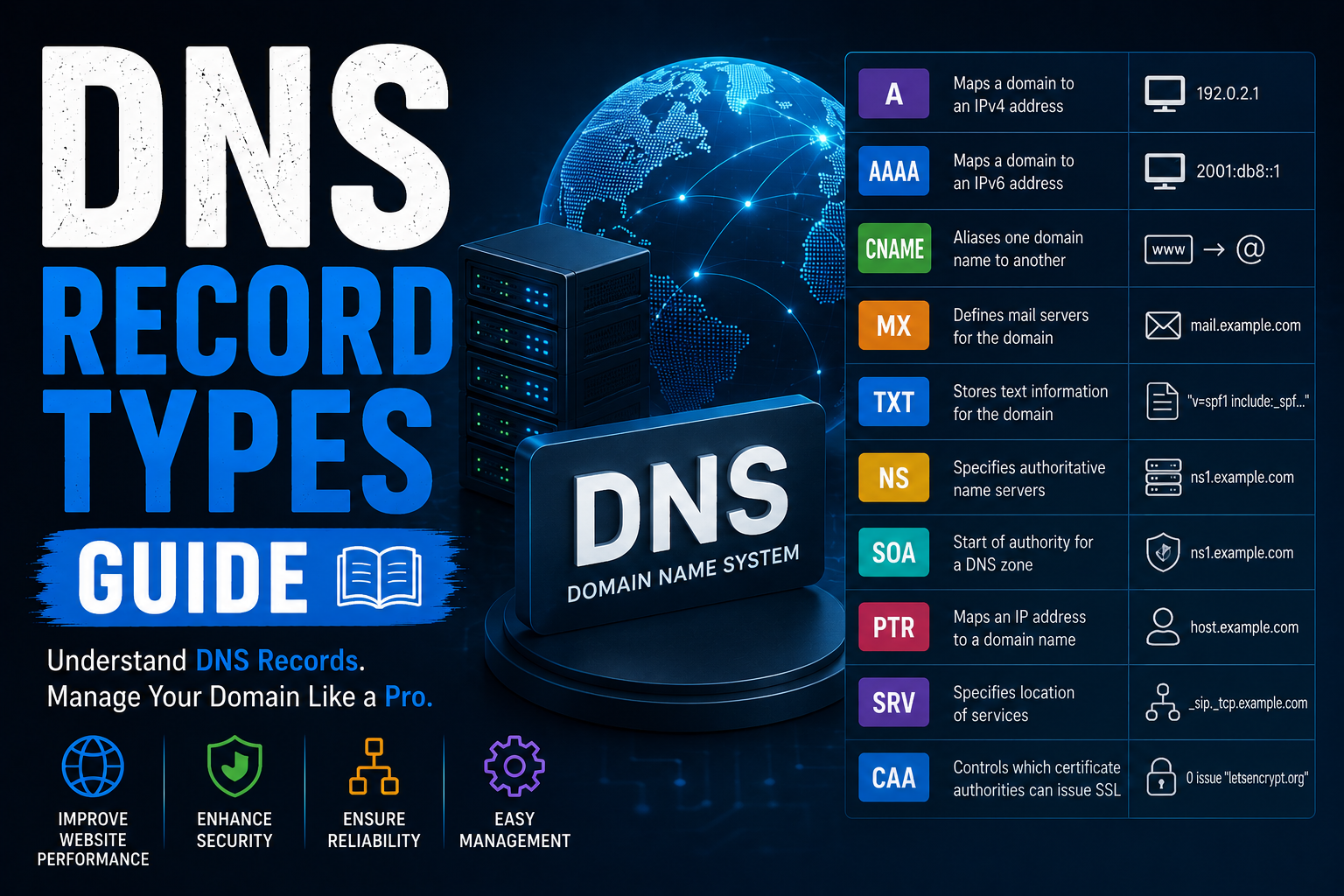
DNS Record Types Explained
Learn every DNS record type including A, AAAA, CNAME, MX, TXT, NS, SOA, PTR, SRV...
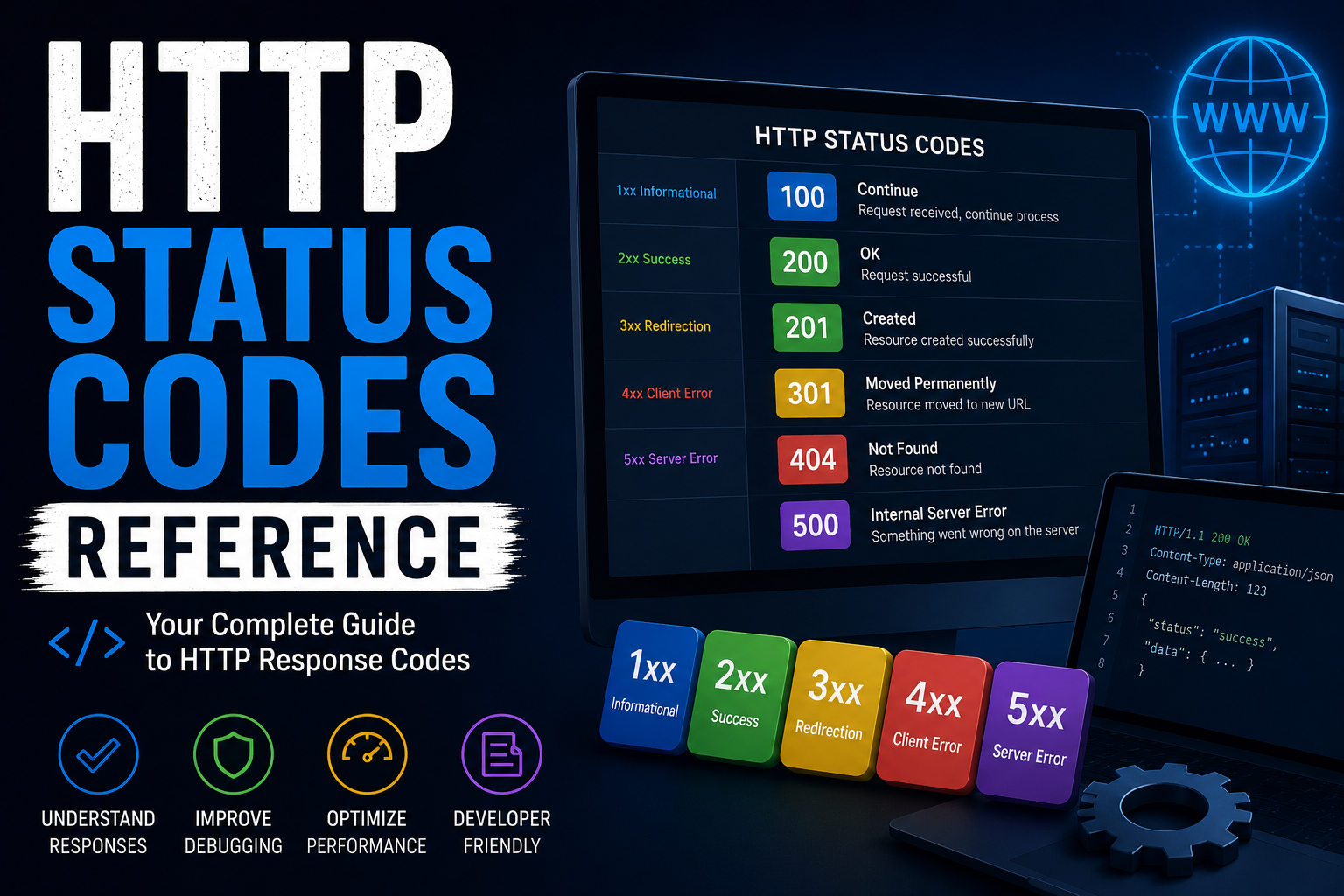
http-status-codes-reference
Free online http-status-codes-reference. Fast, accurate, and easy to use.

online-privacy-guide
Free online online-privacy-guide. Fast, accurate, and easy to use.
