How to Create Strong Passwords That Protect Your Accounts
Learn something new today
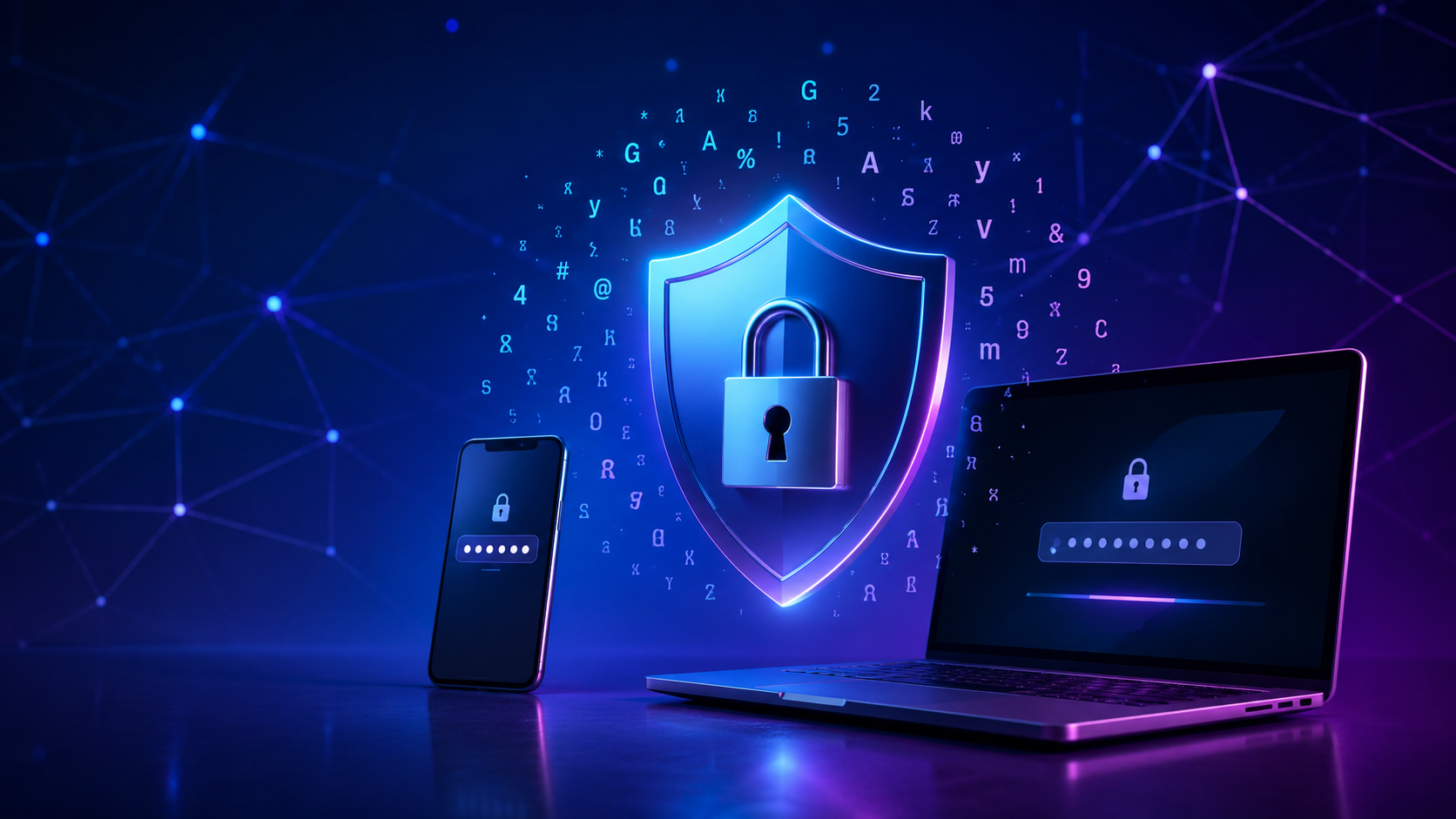
Why Password Security Matters
Every day, thousands of accounts are compromised through weak or stolen passwords. According to Verizon's Data Breach Investigations Report, over 80% of hacking-related breaches involve compromised credentials. Despite increased awareness about cybersecurity, many people still use weak, easily guessable passwords or reuse the same password across multiple sites.
The consequences of a compromised password can range from annoying (someone posting on your social media) to catastrophic (financial loss, identity theft, or business data exposure). Investing a few minutes in creating strong passwords is one of the most effective security measures you can take.
What Makes a Password Strong
A strong password has several characteristics that make it resistant to different attack methods:
Length: Longer passwords are exponentially harder to crack. A 12-character password is vastly more secure than an 8-character one. For critical accounts, use 16 characters or more.
Complexity: Using a mix of uppercase letters, lowercase letters, numbers, and symbols increases the number of possible combinations dramatically. Each additional character type multiplies the search space an attacker must explore.
Randomness: Passwords should be truly random, not based on dictionary words, personal information, or common patterns. Attackers use dictionaries of common passwords, leaked password lists, and patterns like "Password123!" as their first guesses.
Uniqueness: Every account should have its own unique password. If a website you use is breached and your password is leaked, attackers will try that same email and password combination on other popular sites.
How Password Generators Create Strong Passwords
A password generator creates passwords using cryptographically secure random number generation. Unlike the pseudo-random functions built into most programming languages (which are sufficient for games but not security), cryptographically secure generators produce output that is unpredictable even to someone who knows the algorithm.
When you use a password generator, you can specify the length and which character types to include. The generator then randomly selects characters from your chosen set to create a password that has maximum entropy — meaning it contains the maximum amount of unpredictability possible for its length.
Common Password Mistakes to Avoid
Using personal information: Birthdays, pet names, addresses, and family names are the first things attackers try. Never include any personal information in your passwords.
Substituting characters: Replacing "o" with "0" or "s" with "$" is a well-known trick that password cracking tools automatically check. "P@ssw0rd" is no more secure than "Password".
Reusing passwords: If you use the same password for your email as for a forum account, and that forum gets breached, the attacker now has access to your email — which they can use to reset passwords for your bank, social media, and other accounts.
Writing passwords down: While a written password is better than a weak one, it creates a physical security risk. Use a password manager instead.
How to Manage Strong Passwords
Since strong passwords are deliberately hard to remember, you need a system to manage them:
Password managers: Applications like Bitwarden, 1Password, and Apple Keychain store all your passwords in an encrypted vault protected by a single master password. They can generate strong passwords, autofill them on websites, and sync across your devices.
Two-factor authentication (2FA): Even the strongest password can be compromised if you fall for a phishing attack. Adding 2FA — a second verification method like a code from an authenticator app — provides an additional layer of protection.
Start by generating strong passwords for your most important accounts: email, banking, social media, and work systems. Use our online password generator to create each one, store them in a password manager, and enjoy significantly improved online security.
Related Tools
More Articles
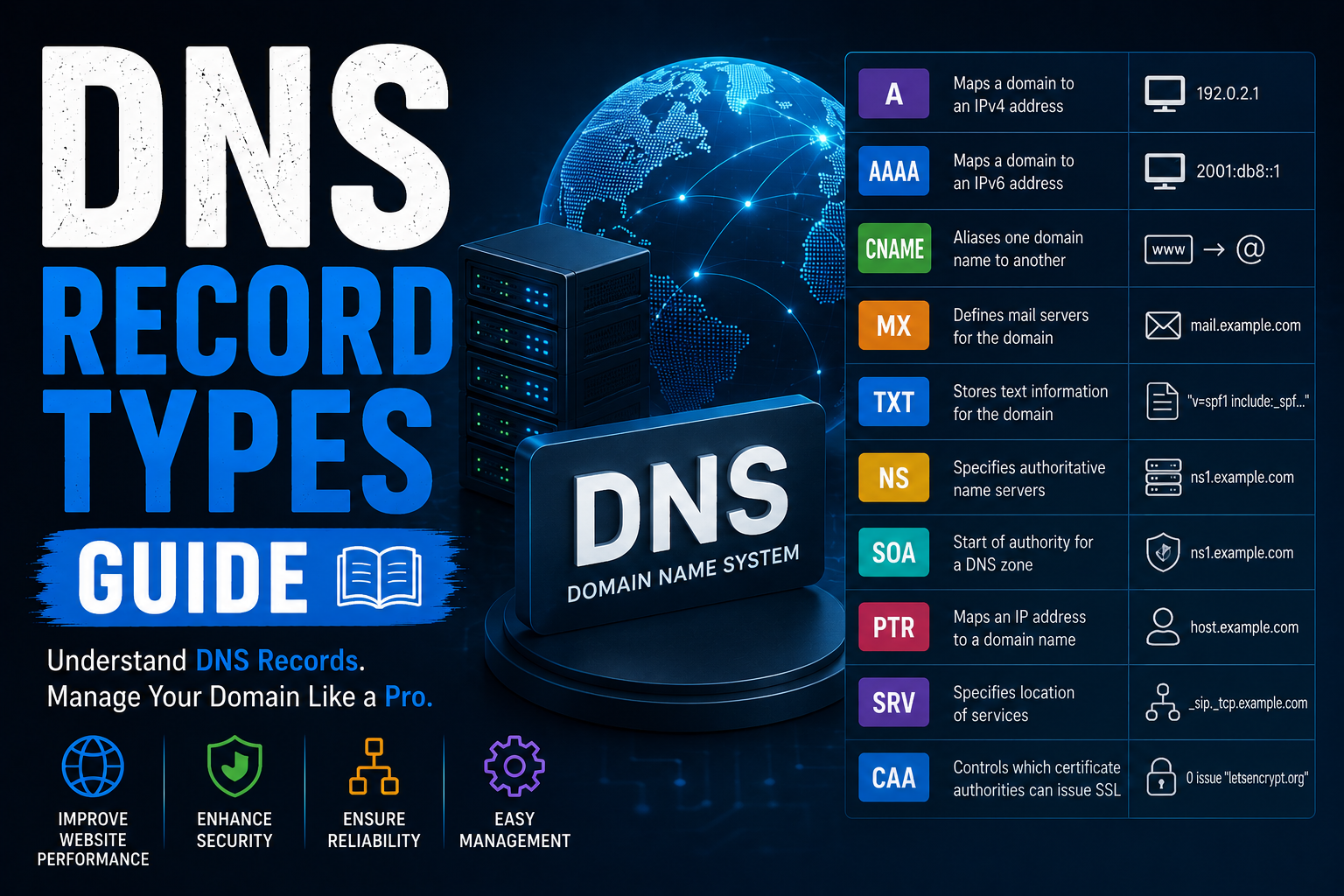
DNS Record Types Explained
Learn every DNS record type including A, AAAA, CNAME, MX, TXT, NS, SOA, PTR, SRV...
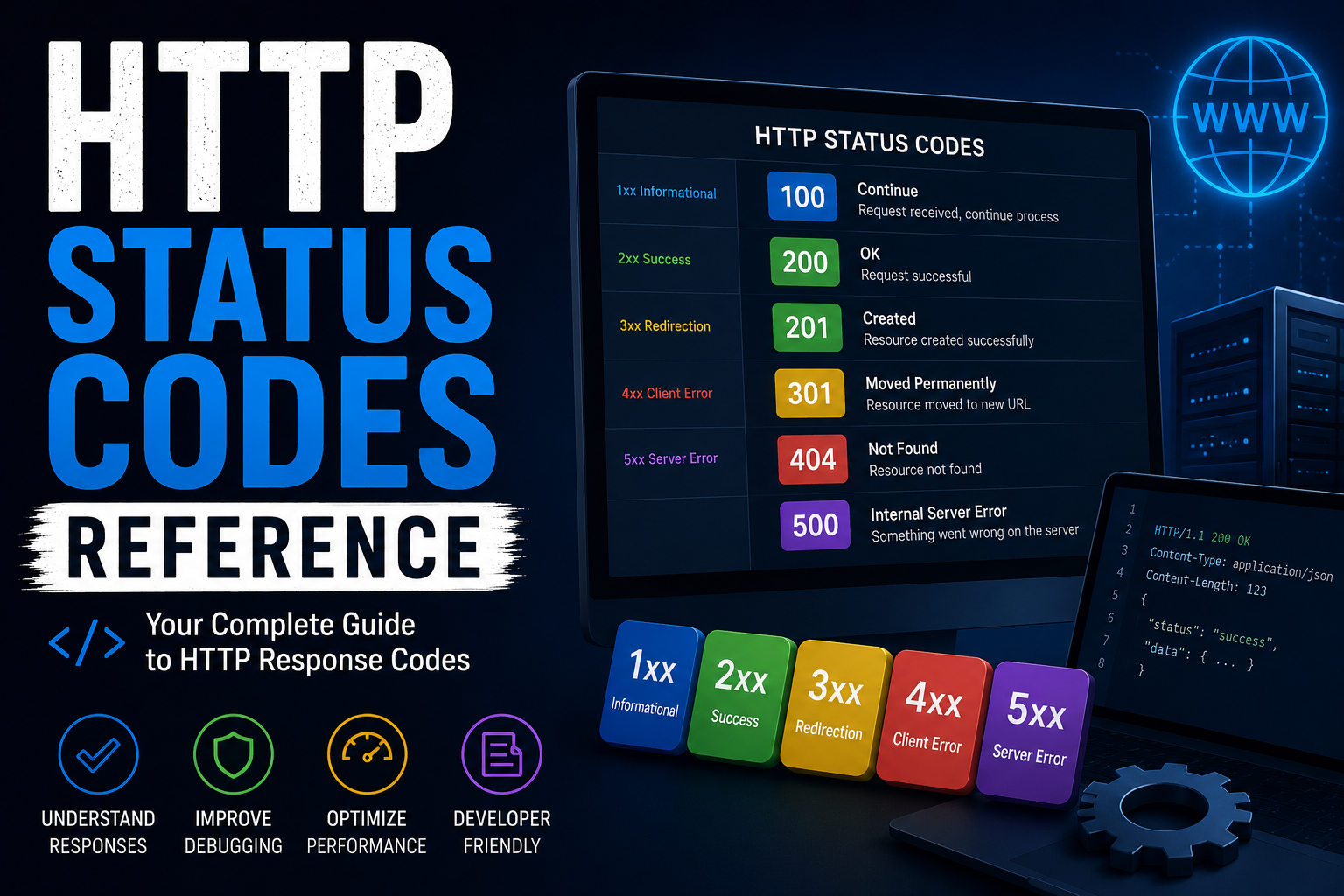
http-status-codes-reference
Free online http-status-codes-reference. Fast, accurate, and easy to use.

online-privacy-guide
Free online online-privacy-guide. Fast, accurate, and easy to use.
