Common Image Compression Mistakes and How to Avoid Them
Learn something new today
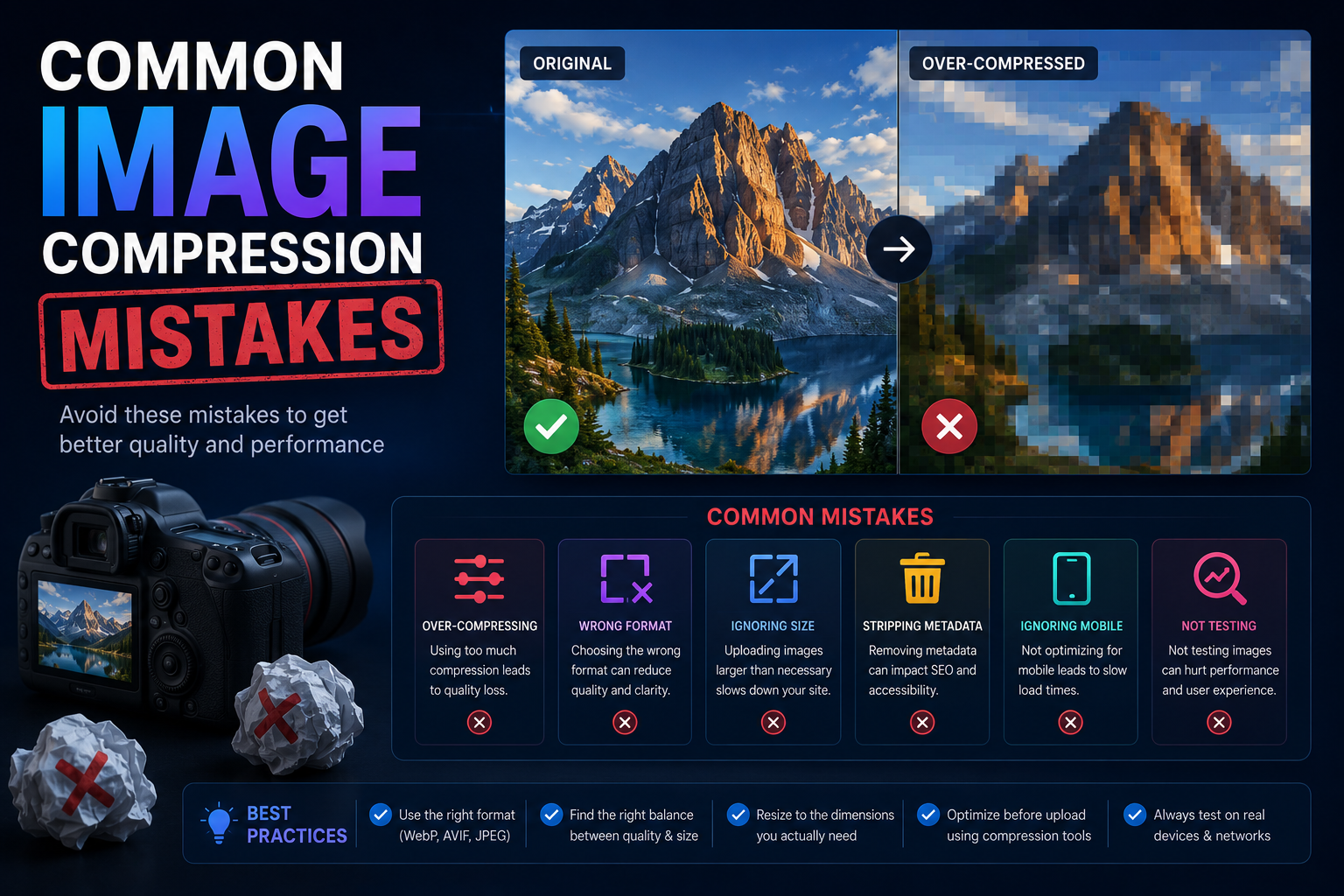
Introduction to Image Compression
Image compression is the process of reducing the file size of an image without significantly degrading its visual quality. It is essential for websites, where large images are the primary cause of slow page load times. According to HTTP Archive, images account for roughly 50% of a typical web page's total weight.
While image compression is powerful, many people make mistakes that either produce unnecessarily large files or visibly degraded images. This guide covers the most common mistakes and how to avoid them.
Mistake 1: Using the Wrong Format
The most fundamental mistake is choosing the wrong format for the type of image you are compressing. JPG is excellent for photographs but poor for graphics with text or sharp edges. PNG is excellent for graphics and images requiring transparency but produces large files for photographs.
Use our image converter to convert between formats and find the best option for your specific image. For modern web delivery, consider WebP, which provides superior compression for both photographic and graphic content.
Mistake 2: Overcompressing Images
Setting the quality too low in an attempt to minimize file size often results in visible compression artifacts: blockiness in smooth areas, ringing around edges, and color banding in gradients. These artifacts make a website look unprofessional.
For JPG images, a quality setting of 80-85 is generally the sweet spot: it significantly reduces file size while maintaining visual quality that is nearly indistinguishable from the original. Always preview your images at full size after compression before publishing them.
Mistake 3: Not Resizing Before Uploading
Uploading a 4000×3000 pixel photo from a camera and relying on HTML to display it at 800×600 pixels wastes bandwidth. The browser still downloads the full 12-megapixel image, even though it displays at a fraction of that resolution.
Always resize images to their actual display dimensions before uploading. Use our image resizer to resize images to the exact dimensions needed. This single practice can reduce page weight by 80% or more.
Mistake 4: Ignoring Modern Formats
Many web developers still use only JPG and PNG, ignoring modern formats like WebP that offer significantly better compression. WebP lossless images are 26% smaller than PNGs, and WebP lossy images are 25-34% smaller than JPEGs at equivalent quality.
If your audience uses modern browsers (which the vast majority do), serving WebP images can substantially reduce your page weight. Use our JPG to WebP and PNG to WebP converters to transform your existing images to this more efficient format.
Related Tools
More Articles
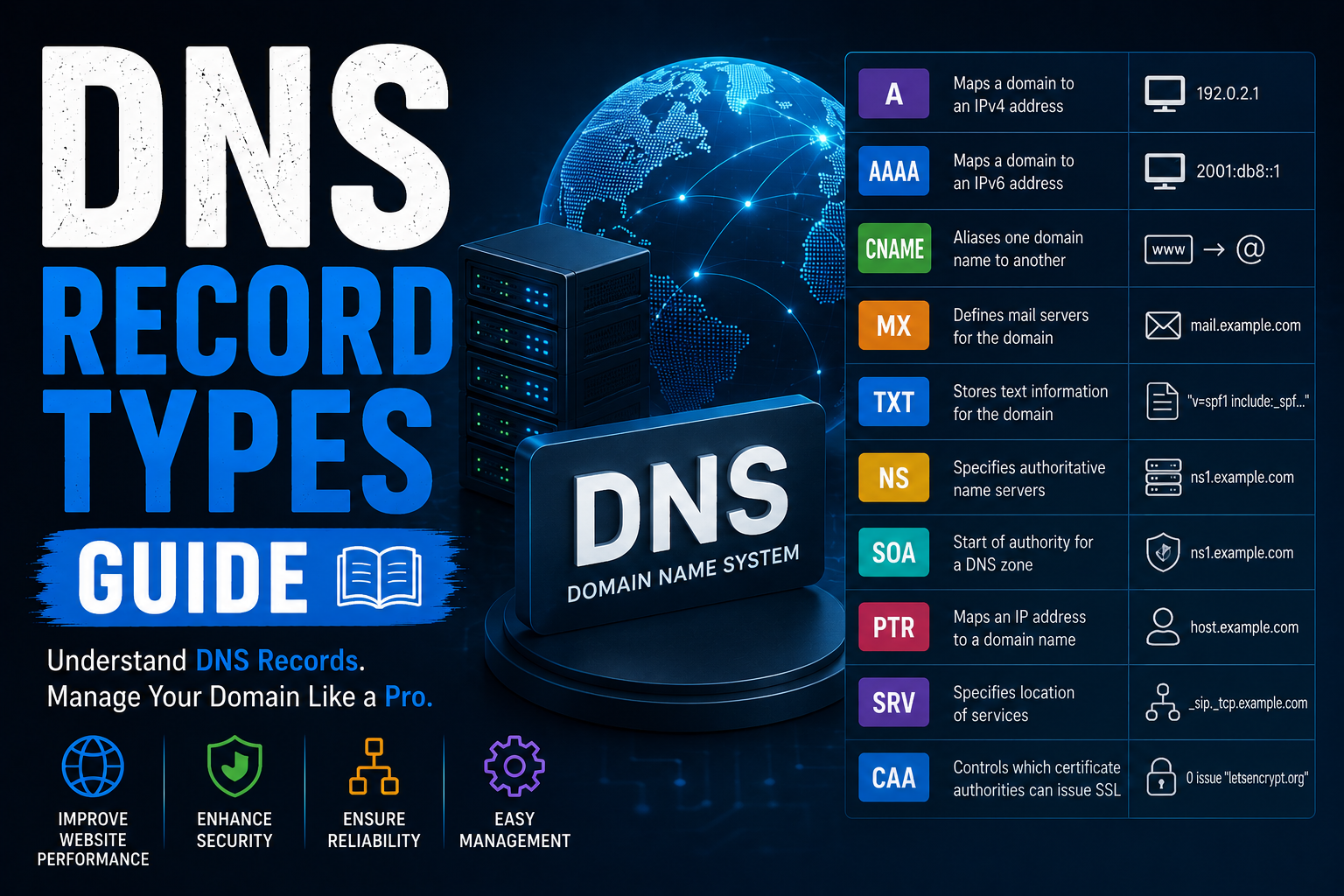
DNS Record Types Explained
Learn every DNS record type including A, AAAA, CNAME, MX, TXT, NS, SOA, PTR, SRV...
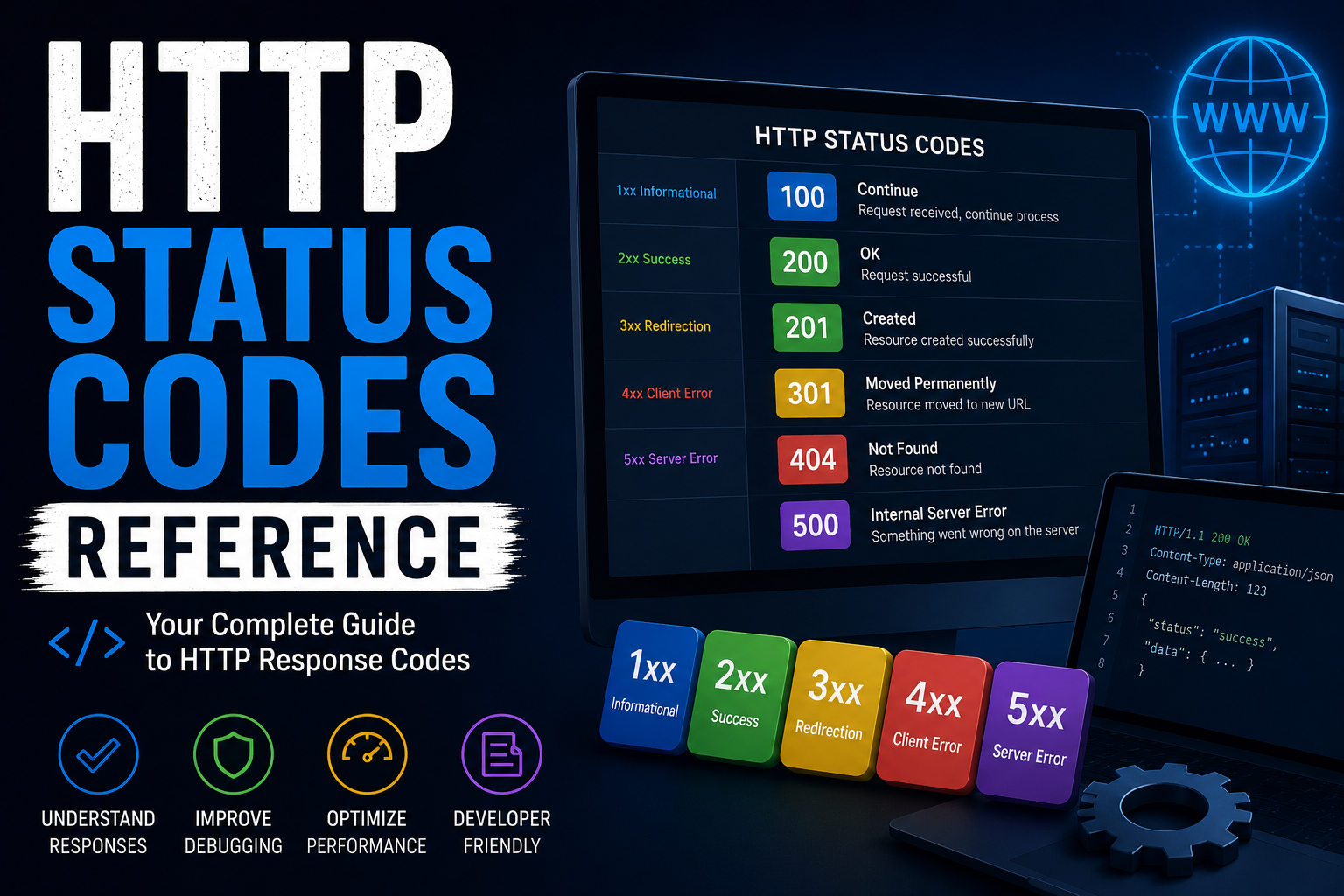
http-status-codes-reference
Free online http-status-codes-reference. Fast, accurate, and easy to use.

online-privacy-guide
Free online online-privacy-guide. Fast, accurate, and easy to use.
